How to Build Your First AI Chatbot Without Any Coding Guide (Step-by-Step for 2026)
A few years ago, building an AI-powered chatbot required weeks of development work, a team of engineers, and a significant budget. Today, no-code and low-code platforms have made it possible for anyone — regardless of technical background — to build, deploy, and manage a sophisticated AI chatbot in a matter of hours. Whether you want to create a customer support bot for your business, a personal assistant for your workflow, or a fun interactive experience for your website, this step-by-step guide walks you through everything you need to know.
What Is a No-Code AI Chatbot?
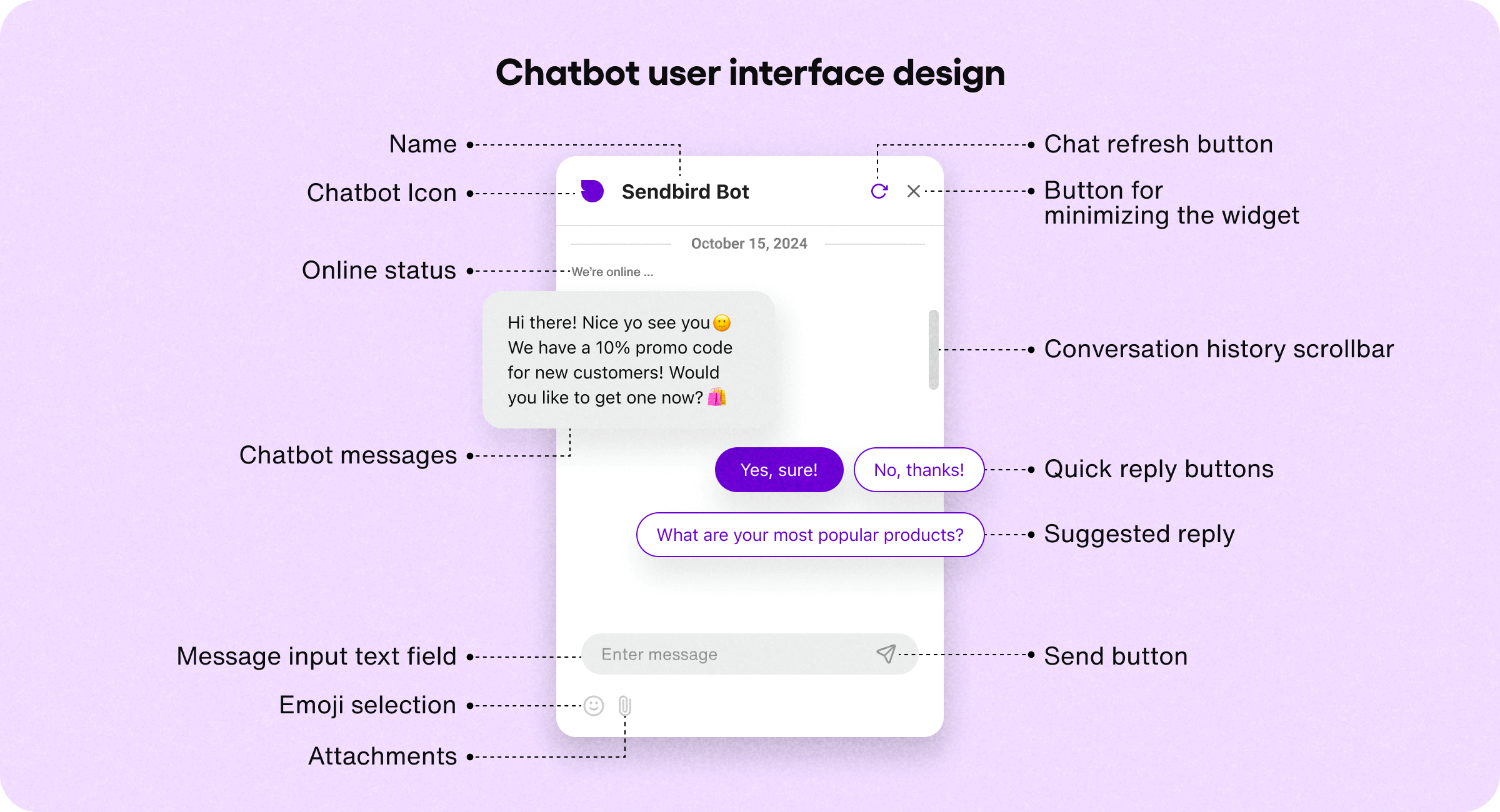
A no-code AI chatbot is a conversational agent built using visual, drag-and-drop interfaces rather than programming languages. These platforms handle all the technical infrastructure — the AI model, the hosting, the integrations — so you can focus entirely on defining what your chatbot does and how it responds. Modern no-code chatbot platforms are powered by the same large language models that power tools like ChatGPT, meaning your chatbot can understand natural language, hold contextual conversations, and provide genuinely helpful responses.
Step 1: Define Your Chatbot's Purpose
Before touching any platform, spend 20 minutes clearly defining what you want your chatbot to do. Answer these questions: What is the primary function of this chatbot? (Customer support, lead generation, FAQ answering, appointment booking, personal assistant.) Who is the target user and what are their most common questions or needs? What tone should the chatbot use? (Formal, friendly, professional, humorous?) What should the chatbot NOT do? This planning stage is the most important step.
Step 2: Choose Your No-Code Platform
Several excellent no-code chatbot platforms are available in 2026: Botpress: One of the most powerful free options, ideal for business chatbots with complex conversation flows. Tidio: Specifically designed for e-commerce businesses, integrates with Shopify and WooCommerce. Landbot: Builds conversational landing pages and chatbots. Great for lead generation. Chatbase: Allows you to train a chatbot on your own documents and website content. Perfect for FAQ bots. For beginners, Chatbase is the easiest starting point.
Step 3: Train Your Chatbot on Your Content
Using Chatbase as our example: Sign up for a free account at chatbase.co. Click 'New Chatbot' and choose your data source. Upload your content: PDF documents, website URLs, plain text, or a combination. Click 'Create Chatbot.' The AI will process your content and build a custom chatbot trained on your specific information. Test the chatbot by asking it questions your users are likely to ask. For a business FAQ bot, upload your frequently asked questions document, your product catalog, and your policies page.
Step 4: Customize Your Chatbot's Personality
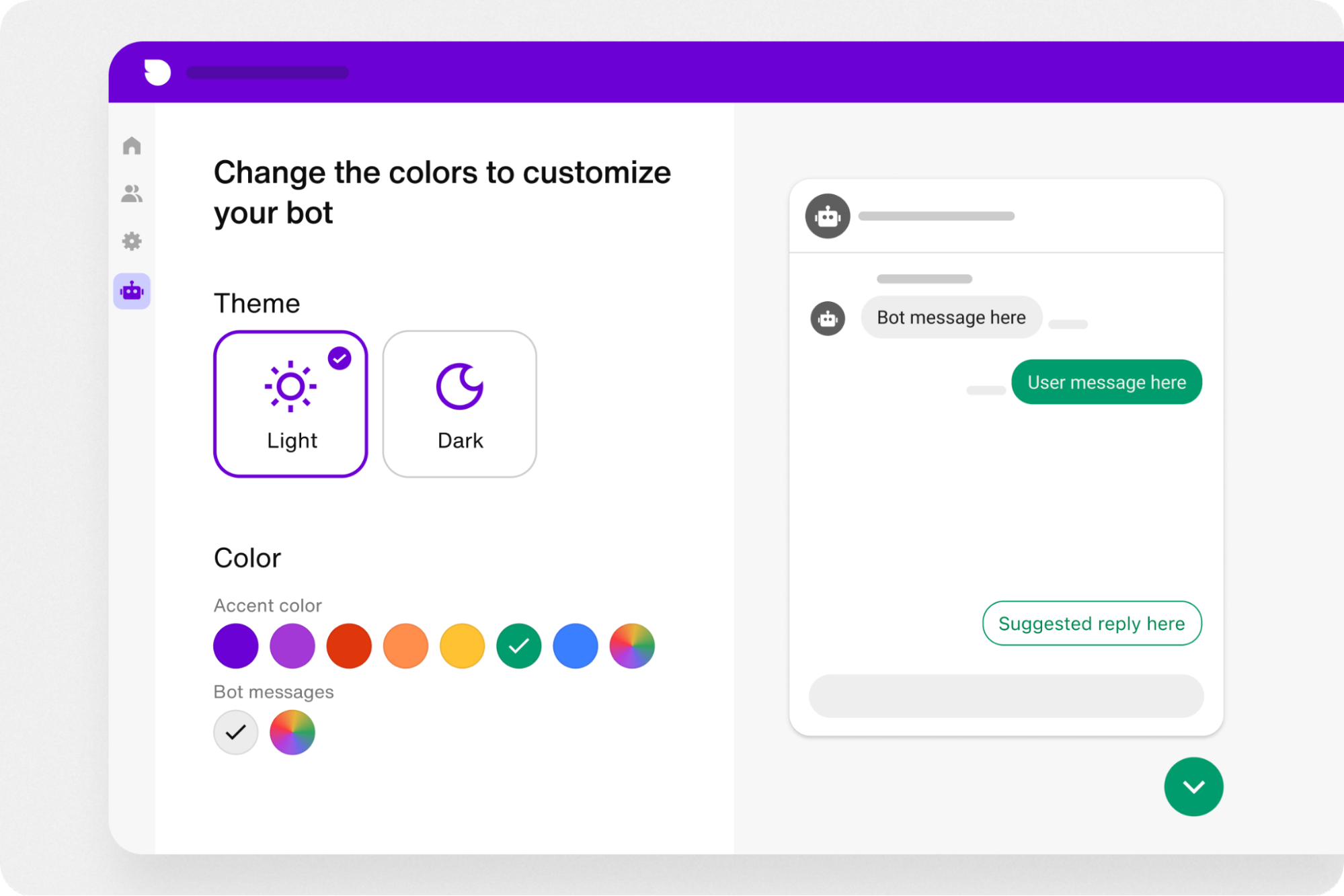
Once trained, customize how your chatbot behaves. You can set a system prompt that defines the chatbot's name, role, tone, and any rules it must follow. For example: 'You are Alex, a friendly customer support agent for [Company Name]. Always respond politely and professionally. If you do not know the answer, say I am not sure, but I can connect you with a human agent.' You can also set conversation starters — pre-written questions that guide users toward common requests.
Step 5: Embed Your Chatbot on Your Website
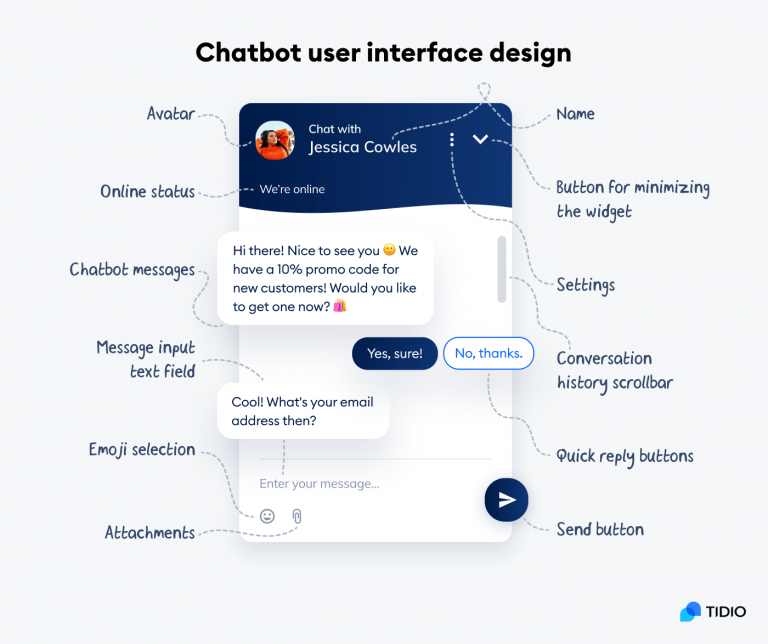
Deploying your chatbot is straightforward. Most platforms provide an embed code — a short snippet of HTML that you paste into your website's code or CMS. For WordPress sites, many chatbot platforms have dedicated plugins that eliminate the need for manual code insertion. For Shopify, similar apps are available in the Shopify App Store. Once embedded, your chatbot will appear as a chat bubble in the corner of your website, ready to assist visitors 24 hours a day.
Step 6: Monitor, Analyze, and Improve
Building your chatbot is just the beginning. Most platforms provide analytics dashboards showing: the most common questions asked, conversations where users did not get satisfactory answers, engagement rates and average conversation length, and handoff rates to human agents. Use these insights to add new content to your training data, refine your system prompt, and improve conversation flows over time. A chatbot should be treated as a living product — continuously refined based on real user behavior.
What Can You Build Next?
Once you are comfortable with basic chatbots, the possibilities expand significantly. You can build lead qualification bots that collect user information and pass it to your CRM, appointment scheduling bots that connect to Google Calendar, e-commerce bots that help customers find products and track orders, and internal knowledge bots that help employees find company information instantly. Start simple. Start today. Your AI assistant is waiting to be built.


Comments
Post a Comment