ChatGPT Keeps Getting Things Wrong — Here Is Exactly How to Fix It
You asked ChatGPT a straightforward question and it gave you a confident, detailed answer. Then you checked it — and it was wrong. Not slightly wrong. Completely made up. If this has happened to you, you have experienced what experts call AI hallucination, and it is one of the most frustrating problems users face in 2026.
The good news is that this is not a random glitch. It happens for specific, predictable reasons — and once you understand them, you can dramatically reduce how often it happens to you. This post explains exactly what causes AI hallucination, why it is still a problem even in the latest models, and the practical steps you can take right now to get far more accurate results.
Why Does This Keep Happening?
To understand hallucination, it helps to understand how these models work. They are trained on enormous amounts of text from the internet, books, and other sources. Through that training, they learn patterns — which words and ideas typically follow others. When you ask a question, the model generates a response that pattern-matches your question to likely answers. It does not look things up in a database. It does not verify what it says. It predicts.
This is why hallucination tends to be worst in certain areas: very recent events the model was not trained on, highly specific numerical facts like statistics or dates, obscure topics with limited training data, and questions that require the model to reason across multiple steps simultaneously.
5 Practical Fixes That Actually Work
Ask the model to cite sources or admit uncertainty. Add the phrase "if you are not certain, say so" to your prompts. This simple addition significantly increases the rate at which the model will flag its own uncertainty rather than guess confidently.
Use web-search-enabled AI tools. Models like ChatGPT with web browsing turned on, or Google's Gemini, can check live sources before responding. For anything involving recent facts, current events, or specific statistics, always use a version of the AI that can browse the web.
Break complex questions into smaller parts. Hallucination increases with question complexity. Instead of asking one giant multi-part question, ask a series of simpler ones. Each focused question gives the model a cleaner target and reduces the chance of it filling gaps with guesses.
Ask the model to work through reasoning step by step. Adding "think through this step by step" to your prompt activates the model's reasoning mode, which produces slower but more accurate responses. This is especially effective for math, logic, and fact-based questions.
Always verify critical facts independently. For anything important — health decisions, financial figures, legal information — treat AI as a starting point, not a final source. Cross-check key claims with Google, official websites, or trusted publications.

Which AI Models Hallucinate the Least?
Not all models are equal. As of May 2026, models with built-in web search — like ChatGPT with Browse enabled, Gemini, or Perplexity AI — hallucinate far less on factual questions because they can retrieve actual sources. For offline tasks, Claude Opus 4.7 is widely regarded as one of the more careful models, with a tendency to express uncertainty rather than guess. GPT-5.5 in Thinking mode also shows improved factual accuracy on complex reasoning tasks.
For the most critical use cases — medical, legal, or financial questions — no AI model should be trusted without independent verification, regardless of how confident it sounds.
What to Do When You Catch an AI Making Things Up
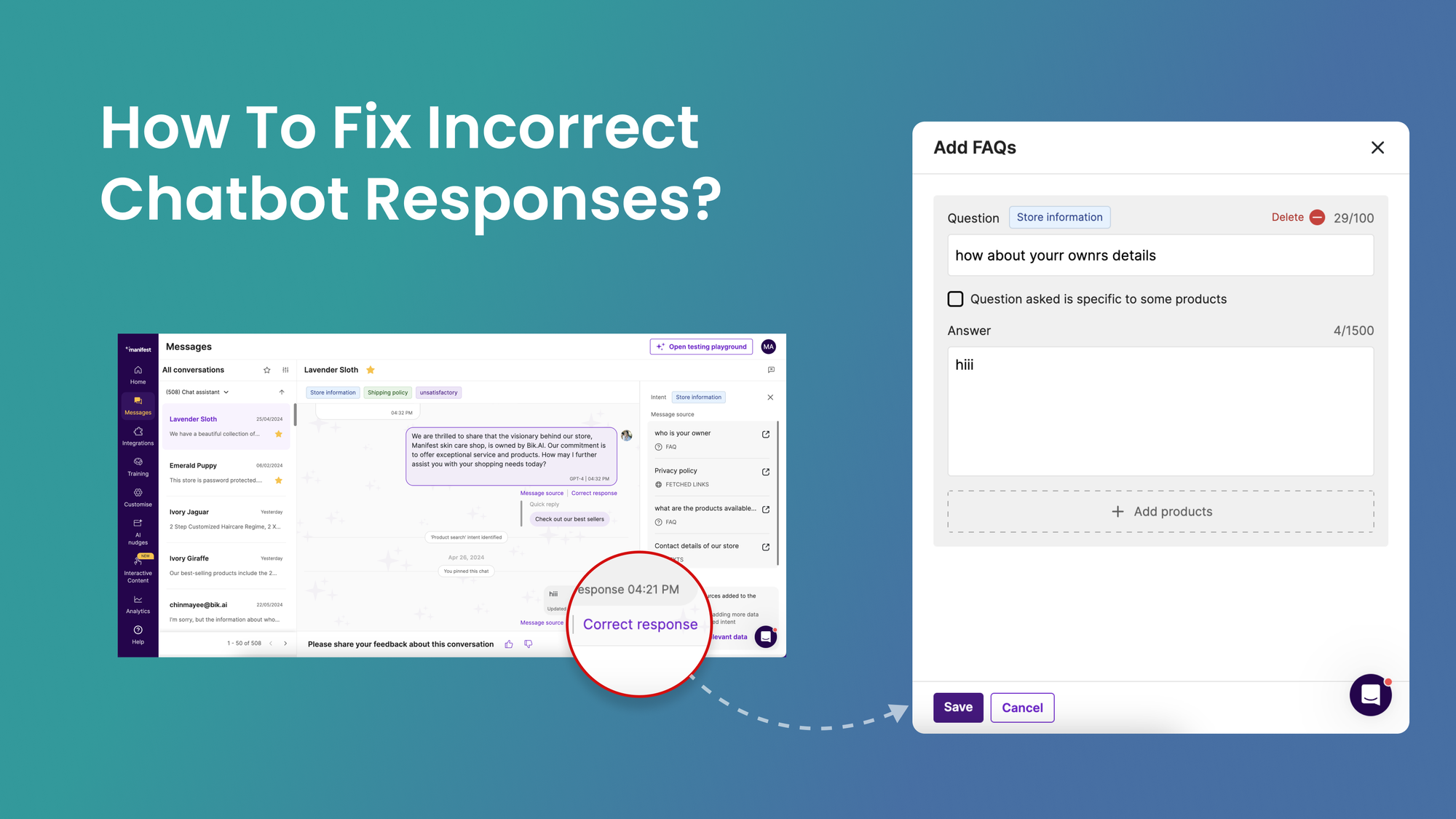
When you spot a hallucination, do not simply re-ask the same question. Instead, tell the model what it got wrong and ask it to reconsider. You might say: "That date is incorrect — it was actually 2018, not 2021. Can you revise your answer with this correction?" This grounding technique helps redirect the model toward accuracy rather than repeating the same mistake with slightly different wording.


Comments
Post a Comment